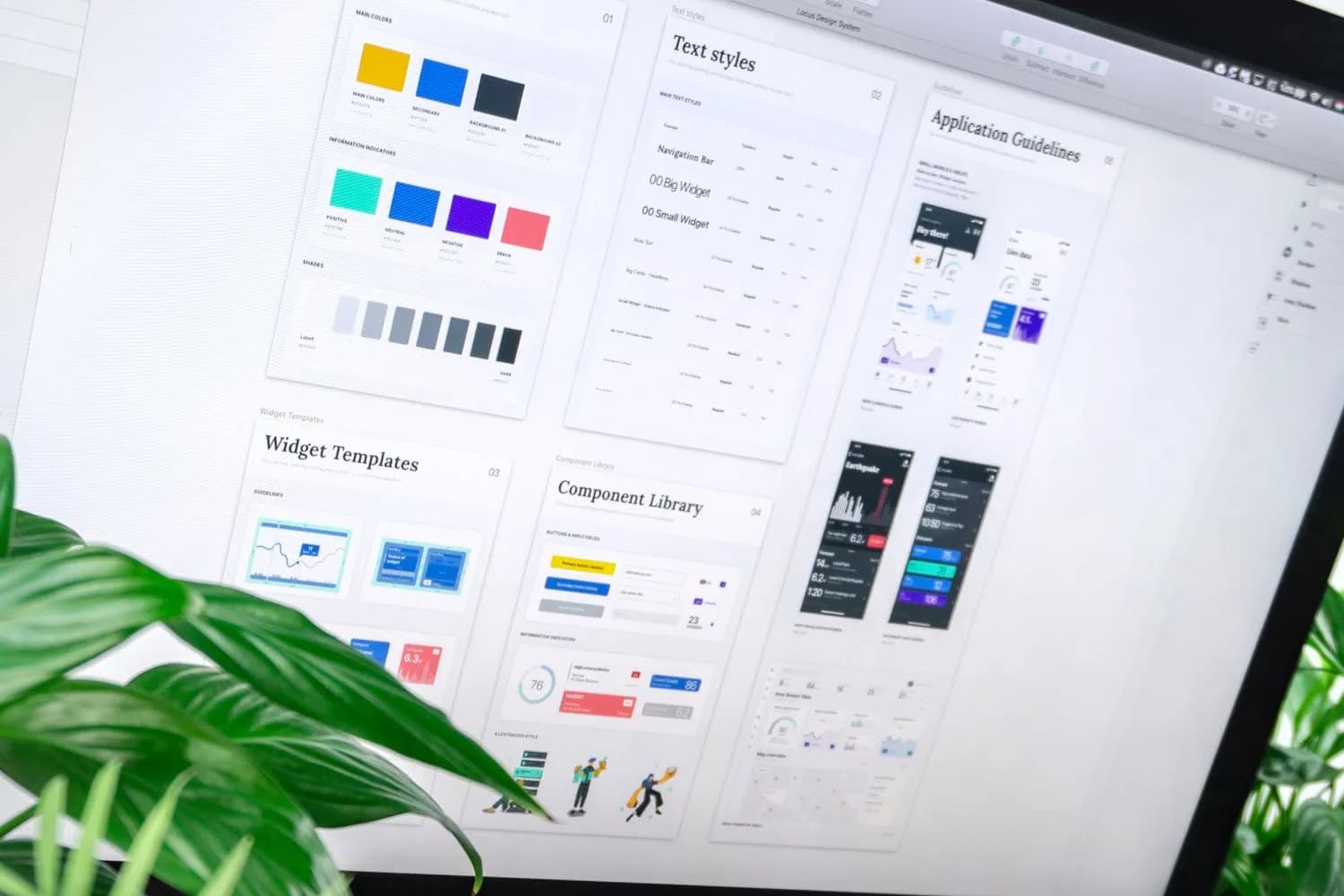
Building a custom mobile app used to mean months of development and a large budget. Low-code and no-code platforms have changed that, letting businesses launch working apps in weeks using visual builders, templates and ready-made integrations.
Here is what these platforms do well, where they fall short, and how to decide if they are right for your project.
Low-code vs no-code vs custom development
| No-code | Low-code | Custom (React Native, Flutter, native) | |
|---|---|---|---|
| Who builds it | Business users | Developers and power users | Developers |
| Speed to launch | Fastest | Fast | Slower |
| Upfront cost | Lowest | Low to medium | Highest |
| Flexibility | Limited to platform features | Extendable with code | Unlimited |
| Performance | Good for simple apps | Good | Best |
| Vendor lock-in | High | Medium to high | Low |
Benefits of low-code and no-code platforms
- Faster launch: visual builders and templates cut development time from months to weeks.
- Lower upfront cost: fewer developer hours means a smaller initial budget.
- Easy changes: business teams can update content, forms and workflows without waiting for developers.
- Built-in features: user accounts, databases, push notifications and integrations come ready-made.
- Great for validation: test an idea with real users before investing in a custom build.
- Ideal for internal tools: field-team apps, inventory trackers and approval workflows are a perfect fit.
Limitations to know before you commit
- Customisation limits: unusual features or complex logic may be impossible or awkward.
- Performance: heavy animations, offline use and large data sets can struggle.
- Vendor lock-in: moving to another platform usually means rebuilding.
- Ongoing costs: subscription fees rise with users, records or features.
- Data and compliance: check where data is stored and whether the platform meets your security requirements.
When to choose each approach
Choose no-code for internal tools, prototypes, event apps and simple customer apps.
Choose low-code when you need speed but also some custom logic or integrations with your existing systems.
Choose custom development for customer-facing products where performance, unique features, scalability and ownership matter. Cross-platform frameworks keep costs down; see how cross-platform development reduces costs and Flutter vs React Native.
A practical path many businesses follow
- Validate the idea with a no-code prototype or MVP.
- Gather feedback and usage data from real users.
- Rebuild the proven app with a custom stack when growth demands it.
Read how to choose the right mobile app development platform for a deeper comparison.
Get expert advice on your app
Not sure which route fits your budget and goals? Our mobile app development team builds everything from quick MVPs to full custom apps in React Native and Flutter. Contact Webyant for a free consultation.

Jayanti Solanki
Founder, Webyant Technologies
For 17+ years, Jayanti has been turning designers' visions into websites that actually work: pixel-perfect, lightning-fast and built to convert. A Computer Applications honours graduate and certified Shopify Expert, Jayanti founded Webyant in 2016 and now leads a team crafting WordPress, Shopify, Webflow and Next.js websites (and, lately, AI assistants) for brands from Deesa to around the world. On this blog, Jayanti shares the practical, no-fluff lessons learned from shipping 100+ real projects.
Need help with this? Explore our services