When it comes to website design and development, choosing the right platform can be a challenge. There are many options available, but two of the most popular are Webflow and WordPress. Both platforms have their pros and cons, and choosing between them depends on your specific needs and preferences.
In this article, we’ll compare Webflow and WordPress to help you make an informed decision about which platform is best for your website design and development.
Webflow: Pros and Cons
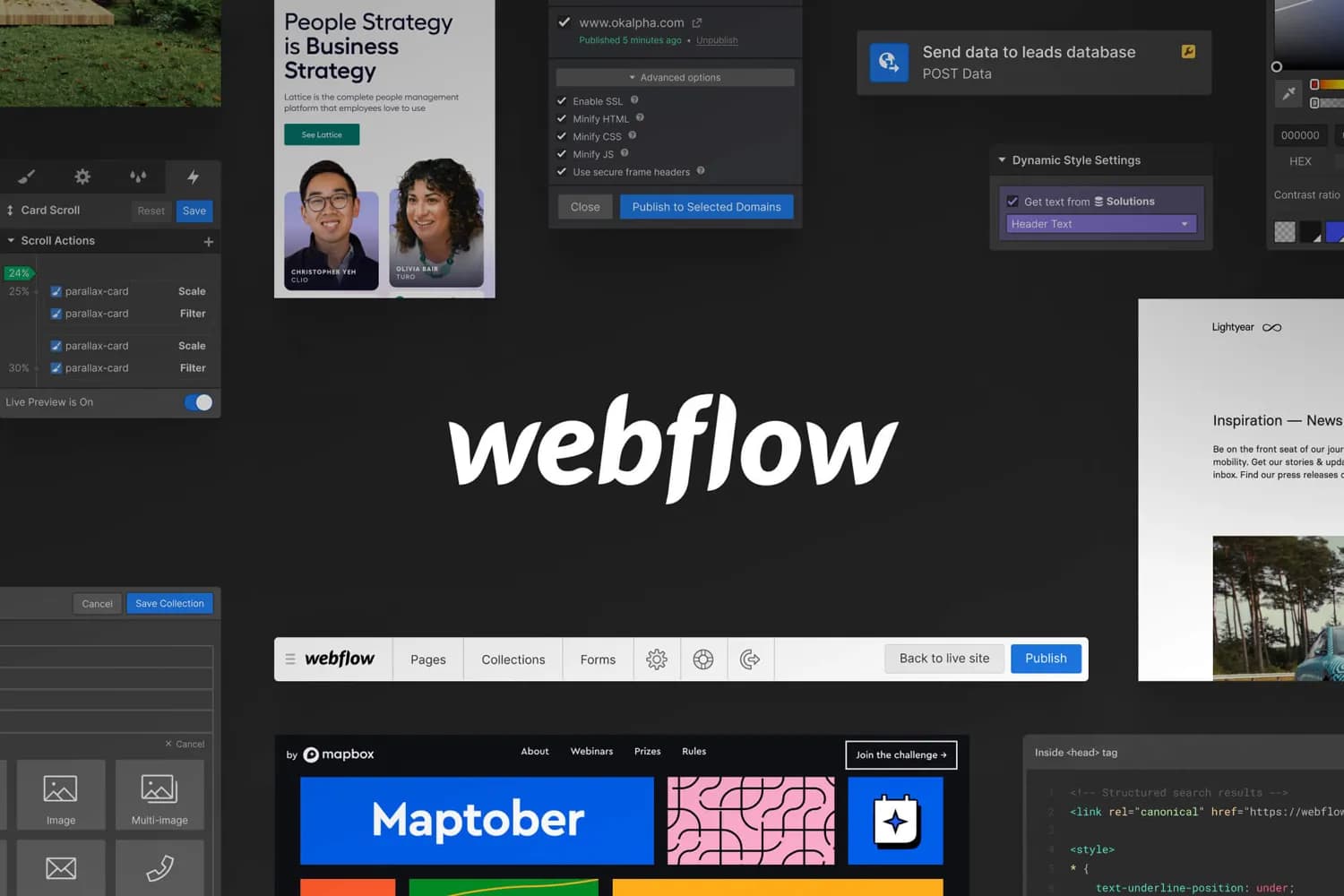
Webflow is a cloud-based website design and development platform that allows you to create responsive websites without writing any code. Here are some of its pros and cons:
Pros:
- Ease of use: Webflow’s drag-and-drop interface makes it easy for beginners to create professional-looking websites.
- Design flexibility: Webflow provides a range of design tools and templates, allowing you to create custom designs that stand out.
- Hosting and maintenance: Webflow provides hosting and maintenance services, which can save you time and money.
Cons:
- Limited functionality: Webflow has limited functionality compared to WordPress, which can be a drawback for larger and more complex websites.
- Learning curve: While Webflow is easy to use, there is still a learning curve for beginners.
- Price: Webflow can be more expensive than other website builders, especially if you need more advanced features.
WordPress: Pros and Cons
WordPress is a popular content management system that powers more than 40% of all websites on the internet. Here are some of its pros and cons:
Pros:
- Flexibility: WordPress is highly flexible and can be used to create any type of website, from simple blogs to complex e-commerce sites.
- Customizability: WordPress offers a wide range of themes and plugins, allowing you to customize your website in any way you like.
- SEO-friendly: WordPress is optimized for search engines, making it easier for your website to rank high in search results.
Cons:
- Security: WordPress sites are often targeted by hackers, so you need to take extra security measures to protect your site.
- Maintenance: WordPress requires regular updates and maintenance, which can be time-consuming.
- Learning curve: WordPress has a steeper learning curve than some other website builders, which can be challenging for beginners.
Webflow vs. WordPress: Which is Better?
Ultimately, the choice between Webflow and WordPress depends on your specific needs and preferences. If you’re looking for an easy-to-use platform that allows you to create professional-looking websites without writing any code, Webflow is a great choice. On the other hand, if you need more advanced functionality and customizability, WordPress might be a better option.
At Webyant, we offer website design and development services using both Webflow and WordPress. Whether you need a simple brochure website or a complex e-commerce site, we can help you choose the right platform and create a website that meets your specific needs. Contact us today to learn more.

Jayanti Solanki
Founder, Webyant Technologies
For 17+ years, Jayanti has been turning designers' visions into websites that actually work: pixel-perfect, lightning-fast and built to convert. A Computer Applications honours graduate and certified Shopify Expert, Jayanti founded Webyant in 2016 and now leads a team crafting WordPress, Shopify, Webflow and Next.js websites (and, lately, AI assistants) for brands from Deesa to around the world. On this blog, Jayanti shares the practical, no-fluff lessons learned from shipping 100+ real projects.
Need help with this? Explore our services